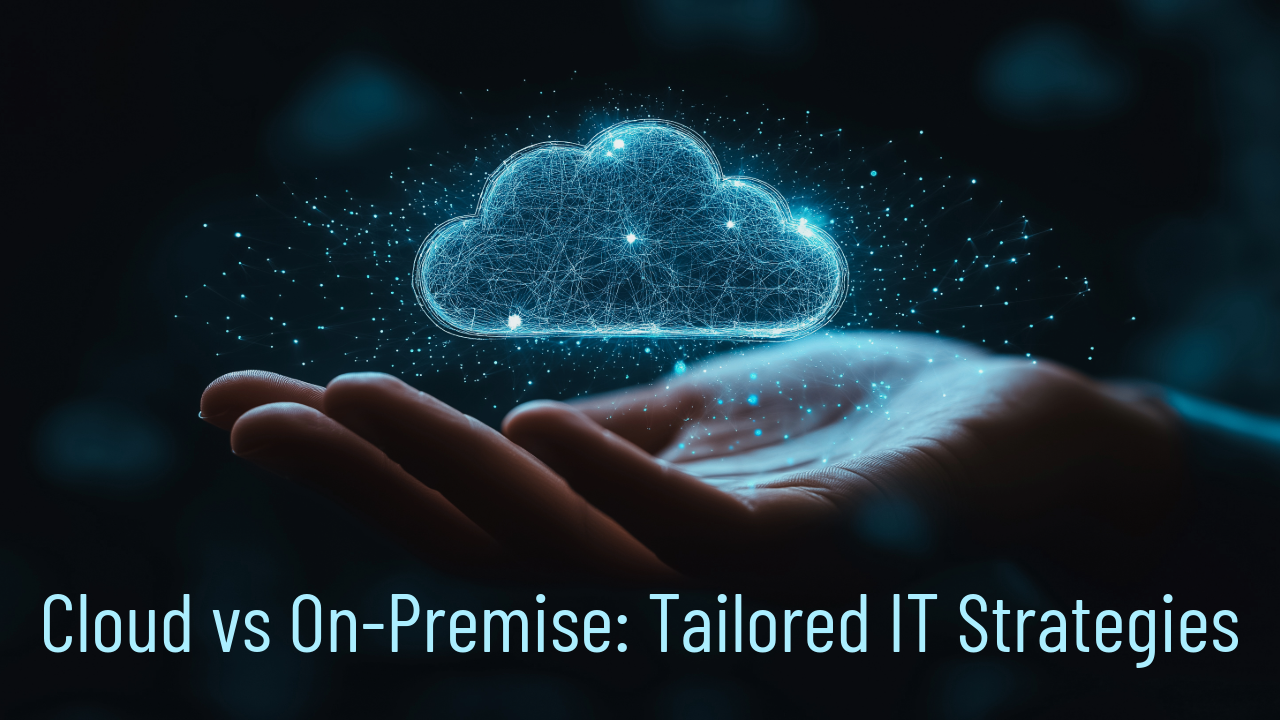
Businesses today face important decisions about how to structure their IT resources. The choice between cloud computing, on-premise systems, or a mix of both affects efficiency, security, costs, and the ability to grow. Many organizations find value in examining both approaches carefully and selecting elements from each to match their particular requirements, rather than treating the decision as an either/or proposition.
Understanding the Core Differences
Cloud computing delivers IT services such as storage, computing power, databases, and software over the internet. Providers manage the underlying hardware in their data centers, and customers pay based on usage—often through monthly subscriptions or metered billing. This setup allows companies to increase or decrease resources almost instantly. A retail operation, for example, can add server capacity during busy shopping seasons and scale back afterward without purchasing additional equipment.
On-premise computing keeps servers, storage, and networking gear inside the organization’s own facilities. The company owns the hardware, installs the software, and handles day-to-day management. This model requires significant initial spending on equipment and ongoing expenses for power, cooling, repairs, and staff time. At the same time, it gives complete control over the physical environment and the data that resides there.
The two models differ in several practical ways:
- Location and access — Cloud resources sit in remote data centers and are reached through the internet, making them available from any location with a connection. On-premise resources stay local, which reduces reliance on external networks.
- Responsibility — Cloud providers take care of hardware maintenance, physical security of facilities, and many routine updates. On-premise teams manage everything from power supplies to patch management.
- Scaling — Cloud environments adjust capacity in minutes. On-premise scaling usually involves ordering, installing, and configuring new hardware, which takes longer.
These differences guide organizations toward the model—or combination of models—that best fits their workload patterns, compliance obligations, and budget structure.
Advantages of Cloud Computing
Cloud services bring several practical benefits that align well with many modern business needs.
- Scalability on demand — Resources expand or shrink to match current requirements, so companies avoid paying for idle capacity.
- Reduced maintenance burden — Providers apply security patches, perform hardware refreshes, and manage backups, allowing internal teams to concentrate on business-specific tasks.
- Predictable operating costs — Shifting from large upfront purchases to monthly or usage-based fees helps with cash flow planning.
- Faster deployment — New applications or additional storage can go live quickly, often in hours rather than weeks.
- Built-in redundancy and recovery options — Data is typically replicated across multiple locations, which helps maintain operations during outages.
- Support for remote and distributed teams — Employees access the same tools and files from different offices or while working from home.
Many organizations also appreciate the ability to experiment with new technologies—such as machine learning tools or advanced analytics—without committing to permanent infrastructure.
Advantages of On-Premise Computing
On-premise systems continue to serve certain organizations effectively, especially when specific conditions apply.
- Greater control over security configurations — Teams can implement custom firewalls, access controls, and monitoring tailored to exact needs.
- Stronger alignment with regulatory standards — Industries subject to strict rules about data location and access often prefer keeping sensitive information on-site.
- Consistent performance for latency-sensitive applications — Local processing avoids delays introduced by internet connections, which matters for real-time systems or large data transfers within a facility.
- Full customization of hardware and software — Companies can select exact server specifications or integrate specialized equipment that may not fit standard cloud offerings.
- No recurring vendor dependency — Once hardware is purchased, there is no ongoing subscription tied to a single provider.
For workloads that demand predictable response times or involve highly confidential data, these factors often outweigh the additional management effort.
Why Hybrid Approaches Are Gaining Ground
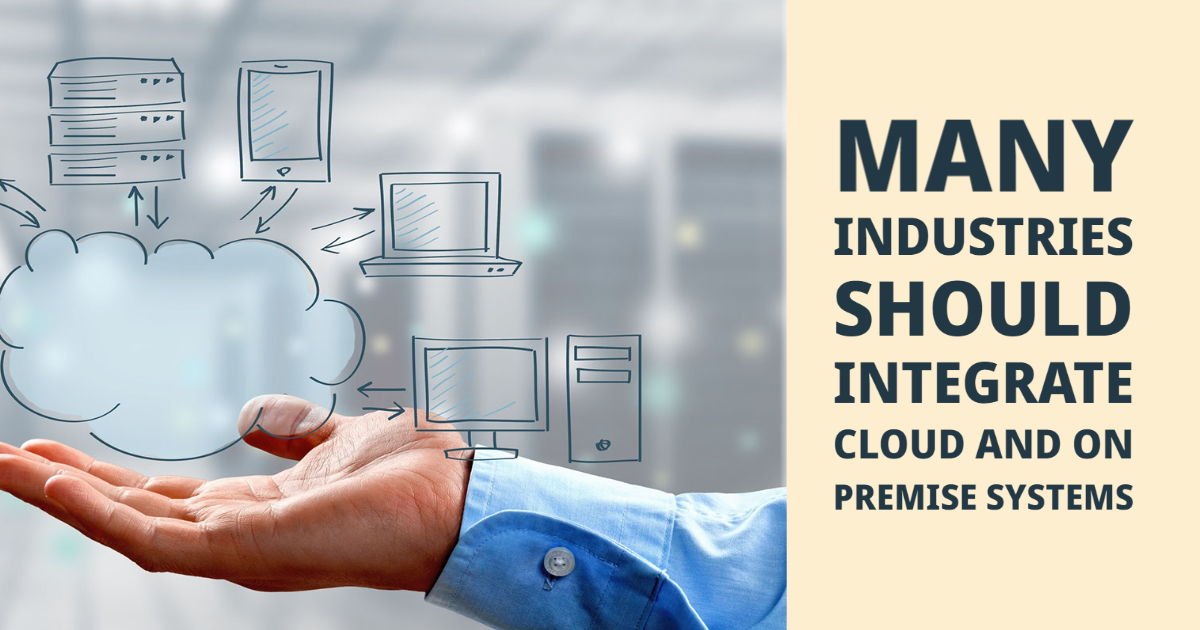
A growing number of organizations combine cloud and on-premise resources to gain the strengths of both. In a hybrid model, certain workloads run in the cloud while others remain local.
Common patterns include:
- Running customer-facing web applications or development environments in the cloud for easy scaling.
- Keeping core financial systems, patient records, or intellectual property databases on-premise for compliance and control.
- Using cloud storage for archival data or backups while maintaining active production systems locally.
- Shifting variable or seasonal workloads (such as batch processing or analytics) to the cloud during peak demand.
Hybrid setups require careful integration so that data moves securely between environments when needed. Modern tools make this easier by supporting consistent identity management, automated backups, and workload orchestration across locations. The result is an infrastructure that remains flexible as business conditions change.
Here are some typical scenarios where hybrid models prove useful:
- A manufacturing company keeps machine-control software on-premise for low-latency performance but sends production data to the cloud for advanced analytics and predictive maintenance.
- A professional services firm stores sensitive client contracts locally but uses cloud-based collaboration tools for project management and document sharing.
- A retailer maintains point-of-sale systems on-premise for reliability during internet disruptions while pushing sales data to the cloud for real-time inventory and marketing analysis.
Key Factors to Evaluate Before Deciding
Before choosing a direction, most organizations benefit from reviewing several aspects of their current and future operations:
- Nature and sensitivity of the data being handled
- Expected growth in computing and storage needs
- Current skill set and bandwidth of the internal IT team
- Budget patterns—capital versus operating expenses
- Requirements for uptime, recovery time objectives, and disaster recovery
- Geographic distribution of users and offices
- Existing applications and whether they are cloud-ready
A structured evaluation, sometimes supported by cost-modeling tools or short proof-of-concept trials, helps clarify which approach—or mix of approaches—delivers the best balance of performance, security, and cost.
Final Thoughts
The right IT infrastructure supports day-to-day operations and positions a business to adapt to future opportunities. Whether the focus is on the flexibility of cloud services, the control offered by on-premise systems, or the balance achieved through a hybrid arrangement, the decision should reflect the organization’s specific priorities.
At CS2 Computers, we have spent more than twenty years helping companies assess their IT environments and put appropriate solutions in place. Our team works with clients to design secure, reliable setups that reduce interruptions and support productivity. If you would like to talk through your current setup and possible next steps, please reach out or contact us directly. We are happy to discuss how a tailored approach might work for your organization.